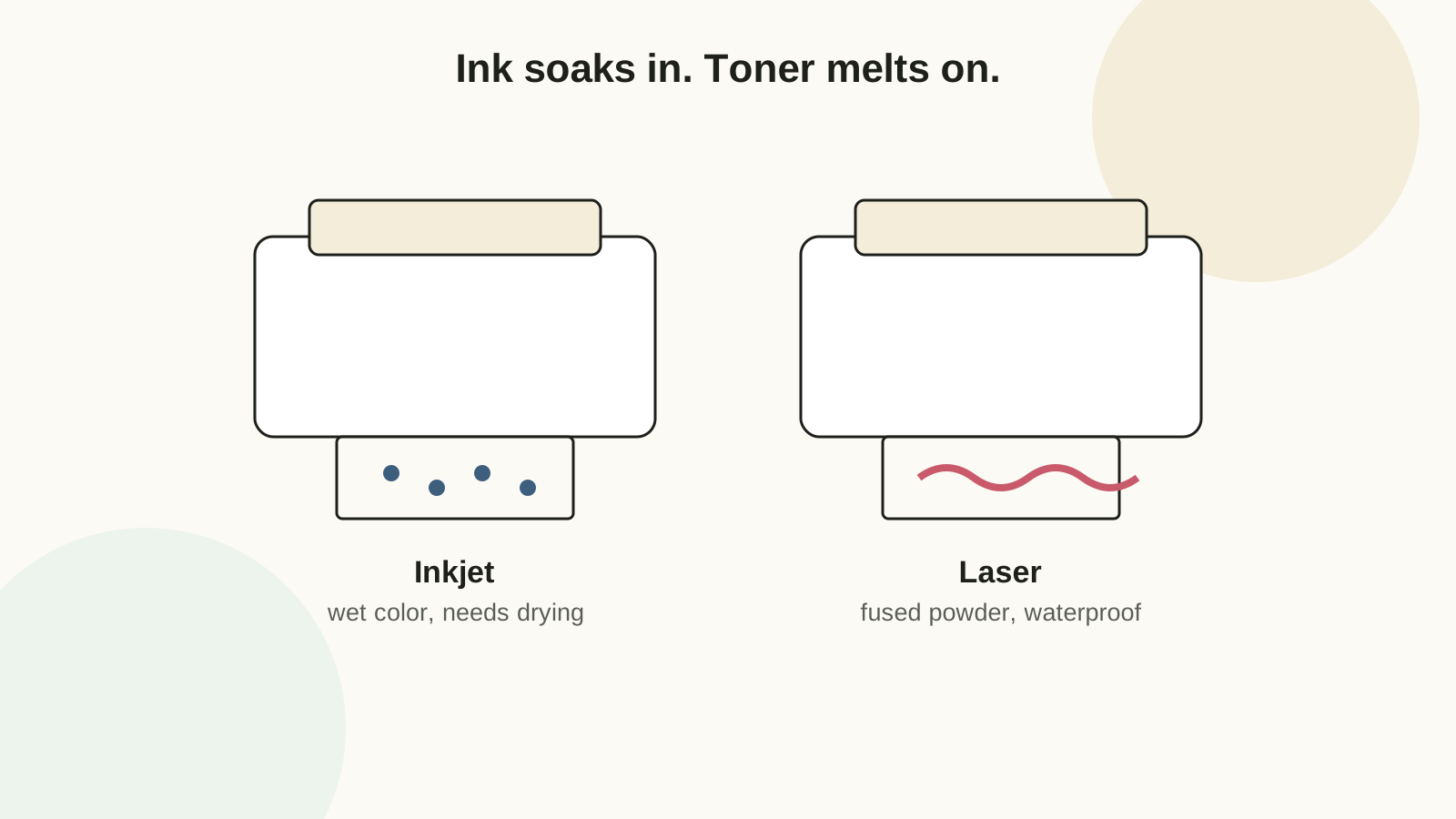
The mechanical difference that explains everything
Inkjet sprays water-based ink that absorbs into the paper fibers. Consequences: beautiful color blends, needs drying time, runs when wet, and works on almost any uncoated surface. Laser statically attracts dry toner powder and melts it onto the surface with a hot fuser. Consequences: razor-sharp text, waterproof the moment it exits, cheap per page — and that fuser heat destroys any coating not rated for it. Keep those two sentences in mind and the entire compatibility table below becomes predictable.
Choose by printable
| Printable | Better first choice | Reason |
|---|---|---|
| Photo-heavy tags and invitations | Inkjet | Color blends and soft artwork render better in liquid ink. |
| Black pantry and organizing labels | Laser | Sharp type, fast batches, waterproof without laminate. |
| Matte planner stickers | Inkjet | Most home sticker coatings are formulated for inkjet — see the sticker paper guide. |
| Foil-accented art | Laser | Reactive foil bonds to toner's plastic resin, not to ink (how-to below). |
| Vellum wraps and overlays | Test both | Ink pools and smears on vellum; fuser heat can ripple it. One test sheet decides. |
| Outdoor or bathroom labels | Laser, or inkjet + laminate | Toner is waterproof; dye ink is not. |
Material compatibility
| Material | Inkjet | Laser | Common failure |
|---|---|---|---|
| Matte cardstock | Excellent | Excellent | Laser output looks slightly glossy on matte stock |
| Glossy photo paper | Excellent | Poor | Fuser heat melts the emulsion coating — printer damage risk |
| Vinyl sticker paper | Good with pigment ink | Excellent if laser-rated | Inkjet-only vinyl through a laser leaves adhesive on the drum |
| Translucent vellum | Fair — long dry time | Good | Ink pools; heat ripples cheap vellum |
| 80-110 lb cover cardstock | Rear/manual feed only | Use the cardstock media setting | Curved paper paths jam above ~85 lb cover |
The rule that prevents the expensive mistake: paper labeled "inkjet only" must never go through a laser printer. The coating or adhesive melts inside the fuser, and that repair costs more than the printer is often worth.
What each machine costs to run
Laser toner costs more per cartridge but yields thousands of pages — typically 1-3 cents per black page. Inkjet ink runs 10-15 cents per page and climbs steeply with color coverage. For someone printing weekly batches of labels or tags, a used monochrome laser pays for itself within months; for occasional full-color printables, the inkjet you already own plus patience is the right answer. Dye inkjet prints also fade in months under UV light — for anything displayed, use pigment inks or a UV sealer spray.
Settings that actually change the result
- Media type is the big one. "Premium presentation matte" or the closest match slows the print head and meters ink correctly; "plain paper" mode on cardstock under-inks and streaks. On laser, "heavyweight" slows the feed so toner fuses fully on thick stock.
- Quality: draft for proofs, best for finals. Draft mode is perfect for checking size and layout — a third of the ink, all of the information.
- Feed heavy stock one sheet at a time through the rear or manual tray where the path stays flat.
- Scaling off, always. Print at 100% for anything with real dimensions — every Craftagram template carries a 1-inch test square to verify.
Print a corner sample, wait five minutes, rub with a clean paper scrap. Color lifting means: wrong media setting, or the sheet needs overnight drying before it meets the paper trimmer. This test costs a corner; a smeared batch costs the sheet.
The laser foil trick
Reactive craft foil bonds to toner, not ink — one of the few effects only a laser printer unlocks. Print the design in solid black toner, lay the foil color-side up over the print, and run both through a heat laminator (or press with an iron through parchment). The foil sticks wherever toner was and lifts everywhere else. Text-weight designs with bold shapes foil best; fine hairlines lose flakes.
When the print shop wins
Send a job out when it needs 110 lb+ cardstock, exact color matching across reprints, true borderless printing, or dozens of identical copies. Home borderless printing wastes shocking amounts of ink and paper on full-bleed designs — a print shop's oversized sheet trimmed to bleed is cheaper past about ten copies. Bring a printed proof from home so "make it look like this" has a referent.
Keep a printer note card
When a printable finally works, write down: paper brand and weight, media setting, quality setting, drying time, which tray. Tape the card inside your craft storage. The second batch then starts from a known-good setup instead of re-running the same three failed tests — this one habit saves more paper than any other advice on this page.
FAQ
Can laser printers use inkjet sticker paper?
No. Inkjet-only coatings and adhesives melt in the fuser and can coat the drum. Buy sheets labeled for your printer type — most brands sell both versions of the same product.
Why do colors look different printed than on screen?
Screens emit light; paper reflects it — they can never match exactly. Paper coating, ink versus toner, and media settings each shift the result further. Print a small proof on the final paper and adjust the design, not the printer.
Do I need a new printer for craft printables?
Usually not. An ordinary home inkjet plus matte cardstock covers most of this site's templates and tags. Add a cheap monochrome laser only when black-label batches become routine.